
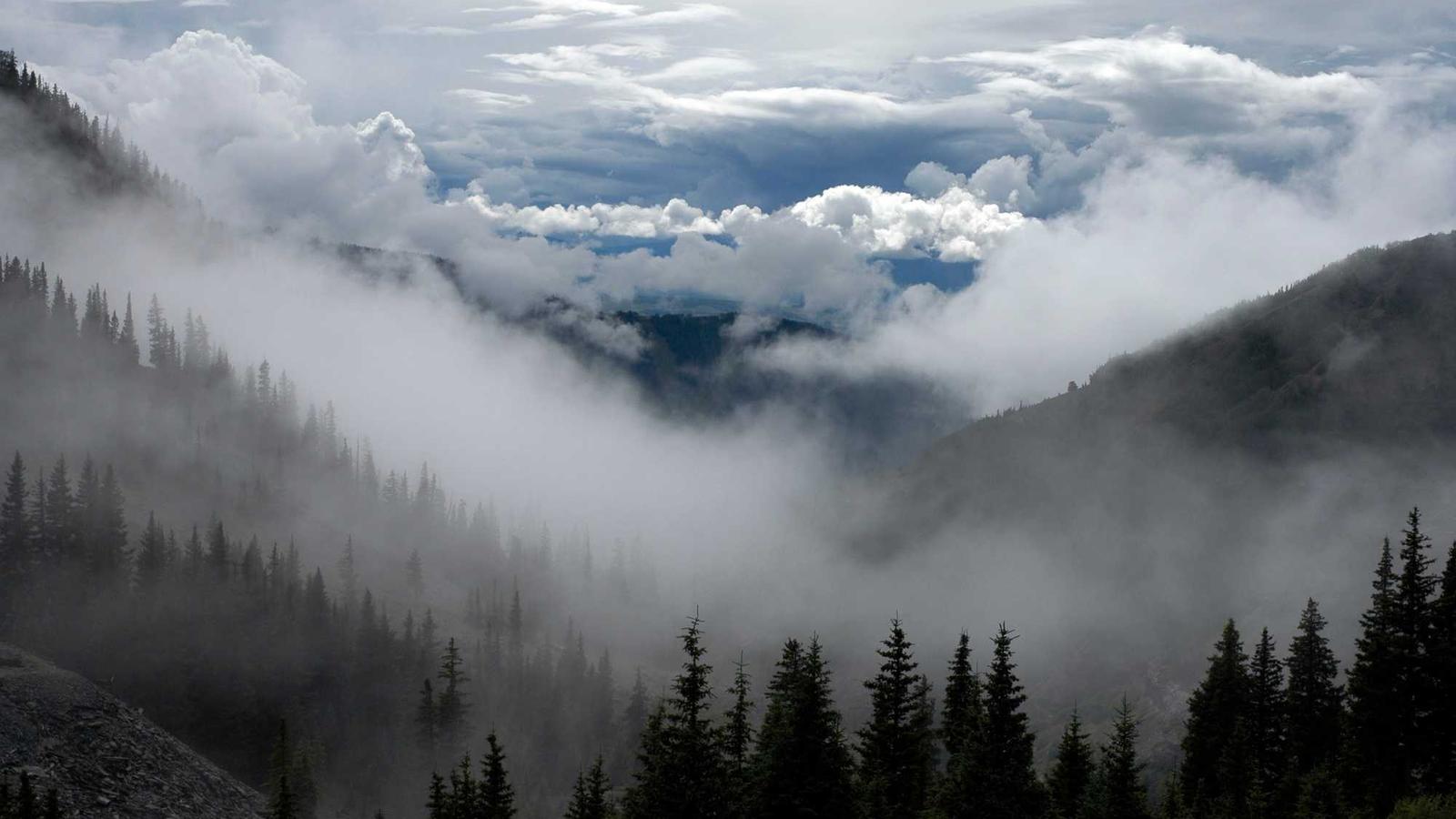
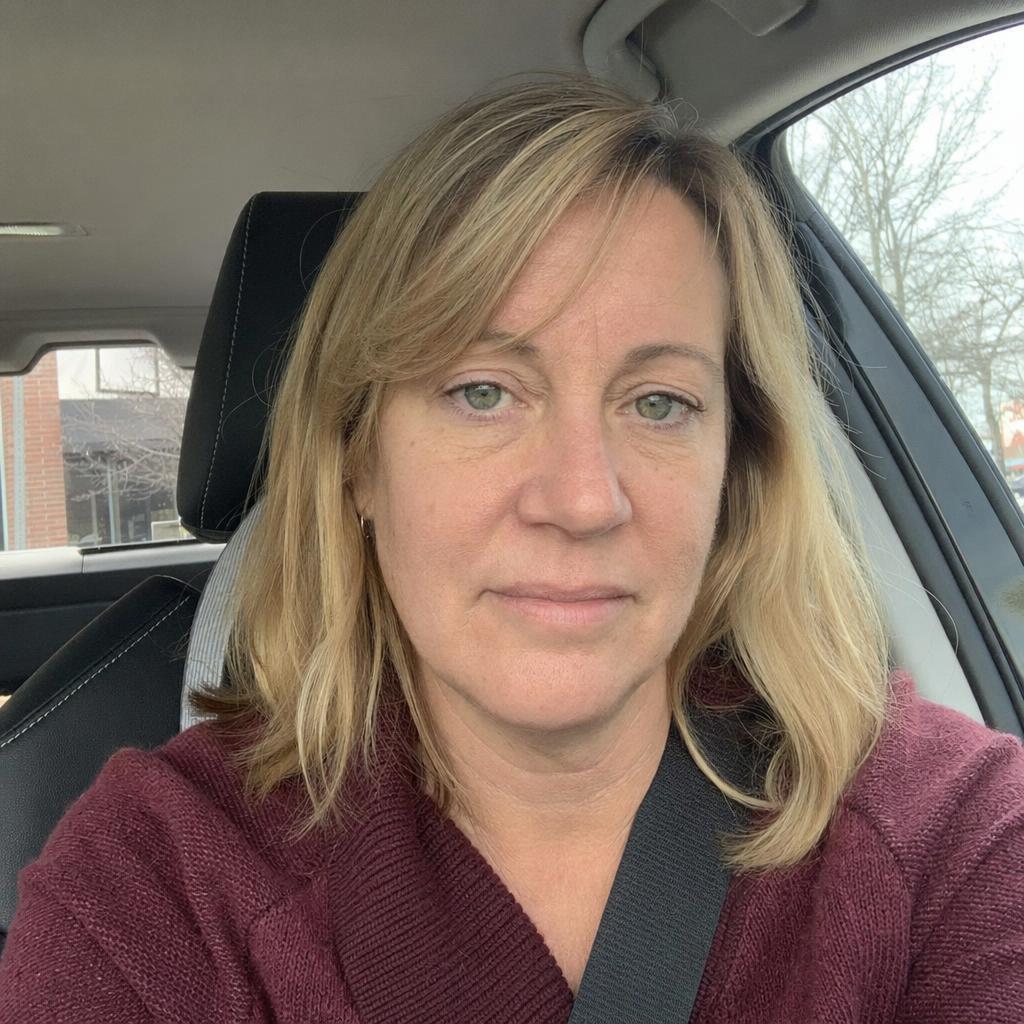
Uncrop is Clipdrop's hosted outpainting tool, introduced by Stability AI to extend an image beyond its existing borders. You can use the Clipdrop web app or its documented API to change the canvas and generate the surrounding content. The launch describes an SDXL-based system, but Uncrop itself has no published open weights. Announcement Web app API
What are the key facts about Uncrop?
| Field | Verified detail |
|---|---|
| Developer | Clipdrop, introduced under Stability AI; the current product page identifies Clipdrop as part of Jasper. Announcement Product |
| Released | June 8, 2023. Announcement |
| Type | Image outpainting and aspect-ratio editing. Product |
| Size or parameters | Not published for the Uncrop service. Announcement |
| License and access | Hosted service with web access and authenticated API requests; no Uncrop open-weight release is provided. Product API |
| Where it runs | Clipdrop's hosted infrastructure, reached through a browser or HTTPS request. Product API |
What can Uncrop do?
Uncrop addresses a specific composition problem: an existing image is useful, but its borders leave insufficient room for the intended layout. The launch examples include expanding photographs and adapting images for banners. Its purpose is to generate a plausible continuation around the available visual content. Announcement
The product page demonstrates portraits, artwork, textures, and landscapes. These examples suggest useful trial inputs, but they do not establish equal performance across every scene. Choose an example from your own work and judge whether the added area serves the intended composition. Product
For a page header, define the text area before generating. Mark where the subject must remain visible and where extra background would help. Then compare the extension at the actual header crop, rather than selecting an image solely because it looks attractive at full size.
A texture extension needs a different inspection. Examine repeated patterns, changes in scale, and visible transitions at the original border. For a landscape, inspect the horizon and any structures that cross the boundary.
What are the limitations of Uncrop?
Outpainting creates content that was not present in the supplied file. Stability AI explicitly describes a plausible representation of what could have surrounded the original scene, and notes weaker results with extreme expansion or extensive missing content. The output cannot establish what the camera actually captured outside the crop. Announcement
Use that distinction when labeling the result. A generated extension can support an illustration or layout, but it should not be treated as recovered documentary evidence. Keep the original file available so later reviewers can distinguish the supplied pixels from the newly generated composition.
The documented API accepts JPG, PNG, or WebP input, up to 10 megapixels and a 30 MB file. Each directional extension is documented with a maximum of 2k pixels. These are request limits for that endpoint, not a universal promise about web-app output or model architecture. API
Inspect the intended delivery area before committing to a large expansion. If a border crosses a distinctive object, review whether the generated continuation is plausible for your creative purpose. Retain alternative candidates when the continuation requires subjective judgment, rather than presenting a single result as a reconstruction.
Clipdrop currently directs visitors toward Jasper APIs for newer models. Keep the legacy Uncrop endpoint distinct from those offerings: a link to newer infrastructure does not establish that every model, parameter, or account entitlement is interchangeable. Product
How do you use Uncrop?
Use the browser interface
Open Clipdrop's Uncrop tool, upload your image, and choose a new aspect ratio. The product's documented flow then generates an image matching that ratio. Web app
Before accepting the output, compare its framing with your layout. Ensure that the main subject has enough space, the extension avoids distracting details, and any text overlay remains readable. Save the original separately so you can revise the composition later without relying on a generated intermediate.
Send an API request
Obtain an API key through the account route in the Clipdrop documentation. Send the input as multipart form data, using the directional fields to describe the canvas extension. The following example adds space to both sides; its chosen values are example settings. API
curl --fail-with-body https://clipdrop-api.co/uncrop/v1 \
  -H "x-api-key: $CLIPDROP_API_KEY" \
  -F '[email protected]' \
  -F 'extend_left=256' \
  -F 'extend_right=256' \
  -o expanded.jpg
The documented success response is JPEG; failures return JSON. Check the HTTP status before treating the saved response as an image. The endpoint also returns credit information in response headers, which is useful when recording an evaluation run. API
Keep the request settings next to the output filename. Record which edges you extended and the source file you used. If an output fails review, that record lets you revise a specific decision instead of starting again from an undocumented configuration.
For several deliverable formats, prepare a separate framing brief for each. A wide banner and a portrait illustration may need different subject placement. Evaluate each composition on its own requirements instead of assuming that one extension will work everywhere.
How does Uncrop compare with Reimagine XL and Fooocus?
| Workflow | Documented purpose | Useful decision criterion |
|---|---|---|
| Uncrop | Extend an existing image to a different canvas ratio. Product | You need more space around the supplied scene. |
| Reimagine XL | Generate a new variation guided by a reference image. Reimagine announcement | You want a different interpretation of the visual idea. |
| Fooocus outpainting | Expand an image through its local generation workflow. Fooocus | You want to work in a downloadable application. |
The sibling Reimagine XL explanation covers reference-image variation and its access limitations. The Fooocus guide introduces that application's broader workflow.
These are workflow differences, not speed rankings. For a useful comparison, supply the same source picture and desired canvas, then inspect the transitions and the final crop. Record how much manual review each candidate requires before it meets your brief.
What should you know before using Uncrop?
Can Uncrop recover the original uncropped photograph?
Uncrop generates a plausible extension from the available image. It does not retrieve missing camera data, so the result cannot confirm the original appearance of the unseen surroundings. Announcement
Can I run Uncrop locally?
The documented Uncrop product is hosted, and the cited release provides no downloadable Uncrop weights. Fooocus offers a separate local outpainting workflow, with its own setup and model dependencies. Product Fooocus
Does Uncrop require a text prompt?
Uncrop's web workflow asks for an image and a new aspect ratio. Its API accepts an image file and directional extension fields, without a required text prompt. Product API
Is Uncrop the same as Reimagine XL?
Uncrop extends the canvas around an existing image. Reimagine XL was designed to create variations inspired by the reference, so choose according to whether you need additional borders or a new interpretation. Product Reimagine announcement
Sources
- Stability AI Uncrop launch announcement
- Clipdrop Uncrop product and browser instructions
- Clipdrop Uncrop API documentation
- Stability AI Reimagine XL announcement
- Fooocus official repository and outpainting documentation





Top comments (0)