

If you often work across multiple devices — phone, laptop, tablet, or work machine — you’ve probably run into this problem:
You copy something on one device and want to paste it on another… and there’s no simple way to do it without sending a message, an email, or logging into something.
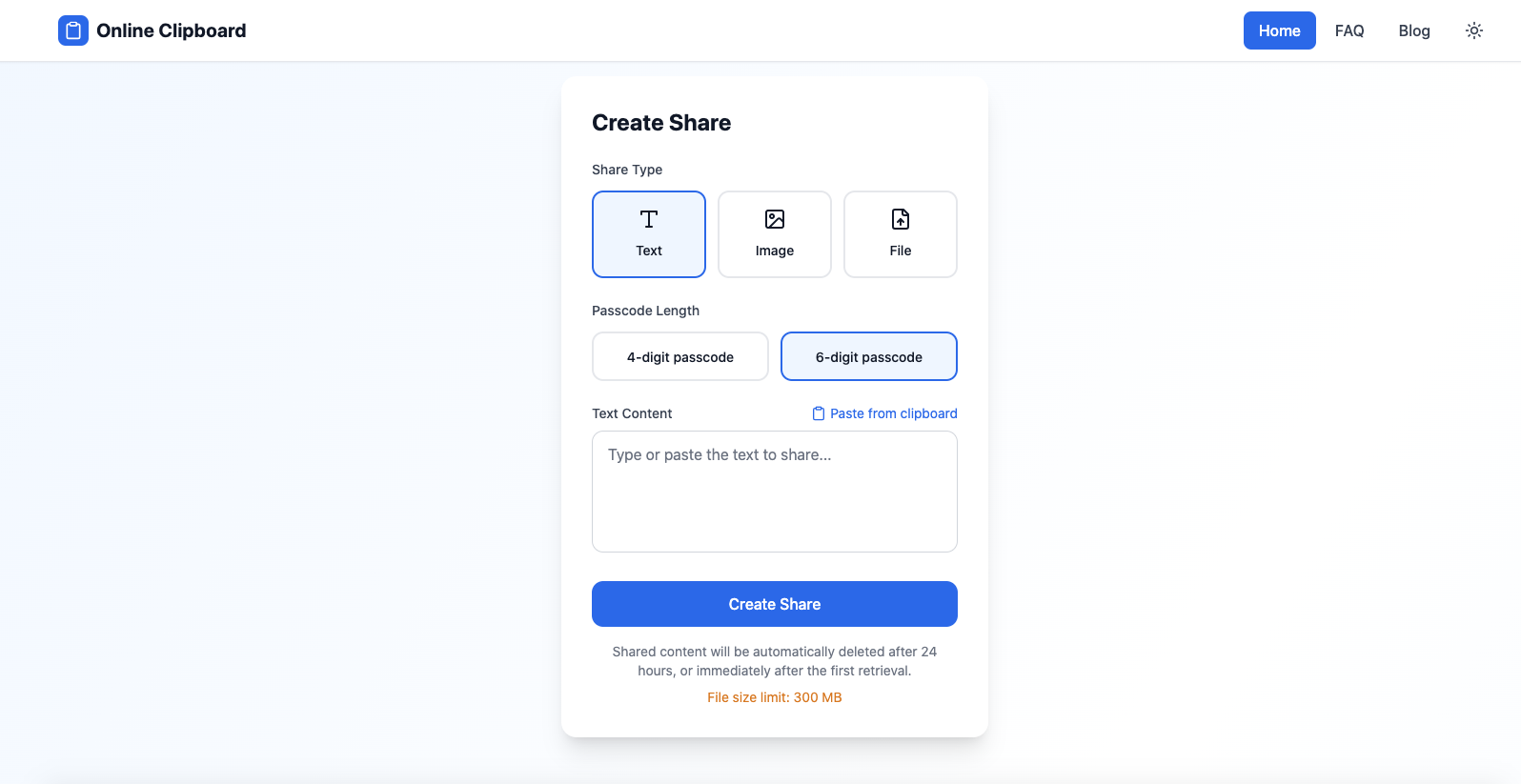
I’ve been using a small tool called Online Clipboard as a simple bridge between devices:
It’s a browser-based clipboard that lets you paste text in one place and instantly access it from another device — no login, no install, no setup.
🔹 What it does
Online Clipboard acts like a shared temporary text buffer in the cloud.
You can:
Paste text on your phone
Open the site on your laptop
Copy the same text from there
That’s it. It’s intentionally simple.
🔹 Why it’s useful
It’s helpful when:
Moving links, prompts, or notes between phone and desktop
Working on a locked-down machine where you can’t install apps
Avoiding logging into personal accounts on shared or public computers
Quickly transferring small pieces of text like prompts, snippets, or ideas
It’s especially handy for prompt writers, developers, remote workers, and anyone who uses more than one device daily.
🔹 Example use with prompts
I often use it to move prompts from my phone to my computer.
Example workflow:
Write or find a prompt on your phone
Paste it into Online Clipboard
Open the site on your desktop
Copy and use the same prompt instantly
Here’s a sample prompt you could transfer this way:
You are an expert technical writer. Rewrite the following text to be clearer, more concise, and easier for beginners to understand:
[PASTE YOUR TEXT HERE]
This avoids emailing yourself, using chat apps, or switching accounts.
🔹 Key features
No login or account required
Works in any modern browser
Fast, minimal, and distraction-free
Privacy-friendly (no personal data needed)
Ideal for temporary text, not long-term storage
🔹 Final thoughts
Online Clipboard is not a complex productivity system — and that’s exactly why it’s useful.
It solves one very specific problem:
moving text between devices quickly and cleanly.
If that’s a problem you run into, it’s worth bookmarking:
Hope it helps improve your workflow 🙂




Top comments (0)