

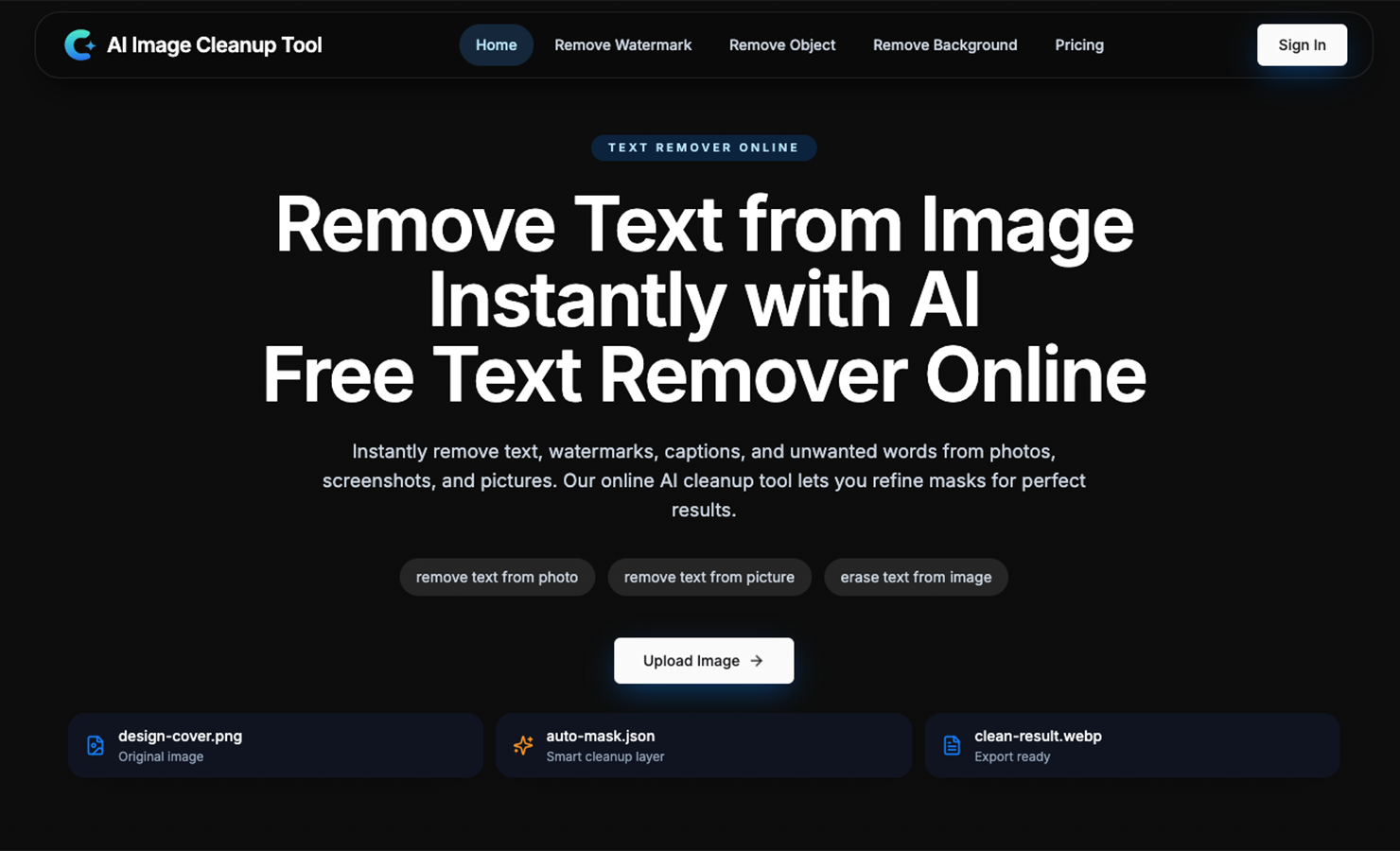
If you work with screenshots, product images, social media assets, or reused visuals, you probably run into the same problem again and again:
The image is almost usable — but it still has something you want to remove.
Maybe it is:
- text on a screenshot
- a watermark on an image
- a distracting object in a photo
- a background you want to cleanly remove
That is why I built ImageCleanupAI:
It is an online AI image cleanup tool designed for a very practical workflow:
remove unwanted visual elements from images quickly, directly in the browser.
What it does
ImageCleanupAI helps with:
- removing text from images
- removing watermarks
- removing unwanted objects
- removing backgrounds
Instead of positioning itself as a full design suite, the tool focuses on one narrow but high-frequency need:
turning messy or blocked images into clean, reusable assets.
Why I think this workflow matters
A lot of AI image tools today are either:
- too generic
- too experimental
- too focused on generation instead of editing
- too dependent on one-click output with little control
But image cleanup is different.
In real use cases, users often need both:
- automation to save time
- manual refinement to get a usable final result
So the workflow here is:
- Upload an image or screenshot
- Let AI detect the removable area
- Refine the selection manually if needed
- Export the cleaned result
That combination makes the tool more practical for real-world images where the background is not flat or simple.
Common use cases
Some scenarios where this is useful:
- cleaning up screenshots before publishing tutorials
- removing overlay text from social images
- erasing watermarks or logos from design drafts
- cleaning product photos for e-commerce
- removing distracting objects from simple visual assets
- creating cleaner images for blog posts, ads, and presentations
What makes it different
The main difference is focus.
ImageCleanupAI is not trying to do everything.
It is built around a specific editing job that people actually repeat often.
The product direction is centered on:
- practical cleanup
- fast browser-based editing
- AI-assisted detection
- manual control where precision matters
That makes it more useful than many tools that look impressive in demos but are less reliable in everyday workflows.
If you want to try it
You can test it here:
I would love feedback from people who work with:
- content creation
- e-commerce
- design
- tutorials and documentation
- social media visuals
I am especially interested in hearing:
Which cleanup task do you need most often — text removal, object removal, watermark cleanup, or background removal?






Top comments (0)