

For the longest time, I believed better AI images came from writing longer prompts.
My prompts usually included:
- dozens of style keywords
- camera settings
- lighting descriptions
- texture details
- artist references
Sometimes the results looked great.
Other times, they looked completely different from what I had imagined.
I realized the problem wasn't the model.
It was my workflow.
The Experiment
Instead of trying to write the "perfect" prompt, I decided to change my process.
My goal became much simpler:
Generate → Evaluate → Improve
Rather than describing everything at once, I wanted each generation to answer one question.
- Is the composition right?
- Is the lighting working?
- Does the subject feel correct?
Only after answering those questions would I move on.
The Workflow That Works Better for Me
Step 1 — Focus on the Main Idea
I begin with a very simple prompt.
For example:
Modern coffee shop interior, warm morning light, Scandinavian style.
At this stage, I'm not looking for a perfect image.
I only want a strong creative direction.
Step 2 — Improve Composition First
Once I find an image with the right feeling, I stop changing everything.
Instead, I only improve composition.
Typical adjustments include:
- wider framing
- lower camera angle
- stronger subject focus
- more negative space
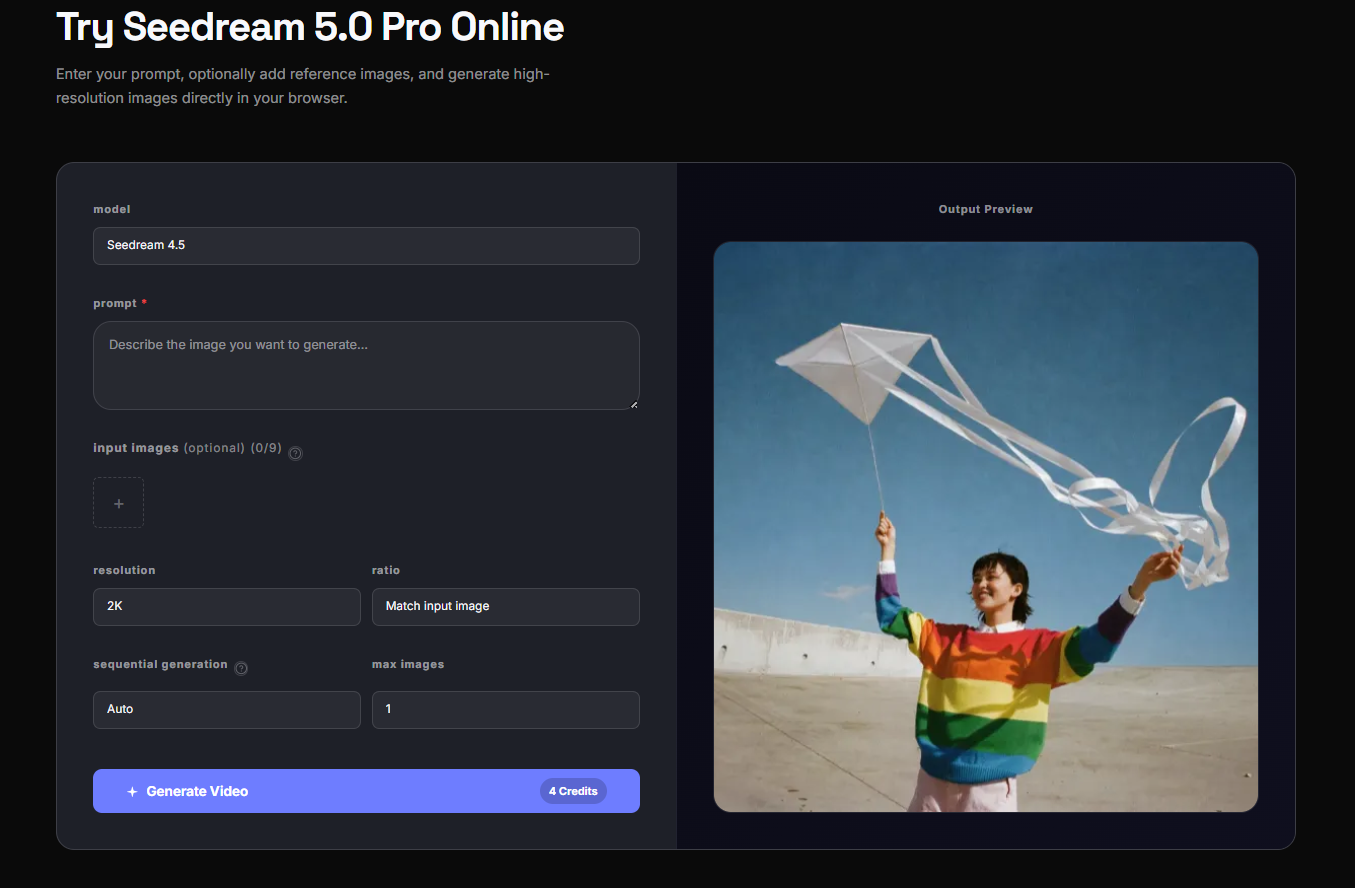
While experimenting with different iterations, I also looked through examples shared on Seedream 5.0 Pro. Seeing how other creators refined composition instead of constantly rewriting prompts completely changed the way I approached image generation.
That one change alone made my workflow much more predictable.
Step 3 — Polish the Details
Only after the composition feels right do I start adding details like:
- realistic materials
- reflections
- textures
- typography space
- color refinement
Instead of asking the model to solve everything at once, I let each iteration solve one problem.
What Changed
The biggest improvement wasn't image quality.
It was consistency.
Instead of generating twenty unrelated images, I now build one concept step by step.
That means:
- fewer wasted generations
- easier comparisons
- faster decisions
- less prompt rewriting
Surprisingly, the images also started feeling more intentional because every iteration had a clear purpose.
Who Might Benefit from This Workflow?
I think this approach works especially well for:
- Brand designers
- Content creators
- Marketing teams
- UI/UX designers
- Small business owners
- Anyone creating presentation visuals
If you're constantly rewriting huge prompts, it might be worth simplifying your workflow before adding more keywords.
One Small Tip That Made the Biggest Difference
I stopped asking:
"How can I write a better prompt?"
Instead, I started asking:
"What is the next thing I want to improve?"
That simple mindset shift completely changed how I use AI image generation.
Final Thoughts
Seedream 5.0 Pro didn't magically solve every creative problem.
What it changed was the way I iterate.
Now I spend less time chasing the "perfect prompt" and more time refining one promising idea.
For me, that's been a much more practical way to create consistent, high-quality visuals.
If you're experimenting with AI image generation, try changing your workflow before changing your prompt.
You might be surprised which one has the bigger impact.





Top comments (0)