
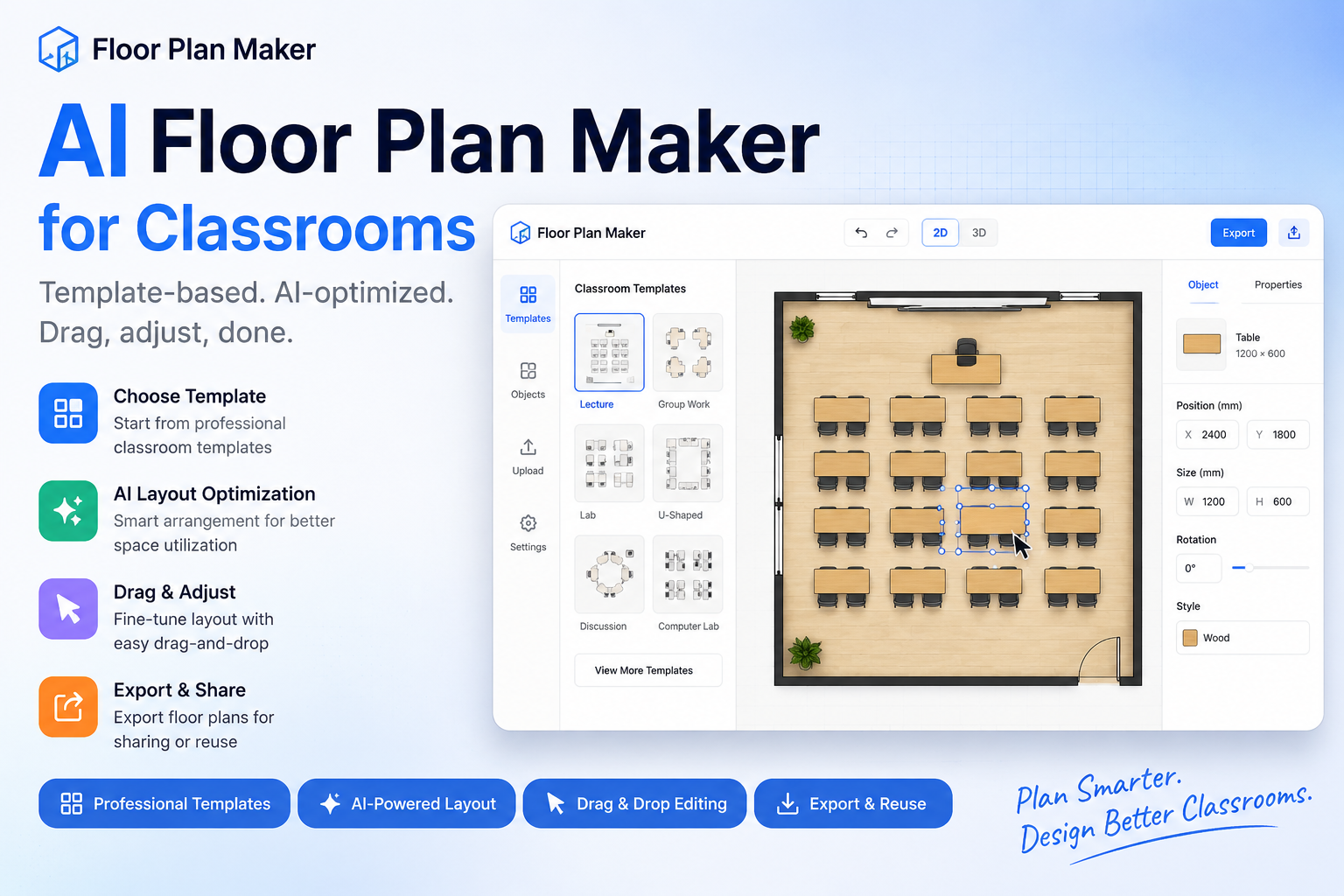

We built an AI-powered Floor Plan Maker for classrooms that helps users design structured classroom layouts using predefined templates combined with intelligent layout generation.
Instead of relying on free-form prompts, users start from selected classroom templates, then use AI assistance and drag-and-drop editing to refine layouts quickly.
This makes classroom planning more consistent, structured, and practical for real-world use.
What is the Floor Plan Maker?
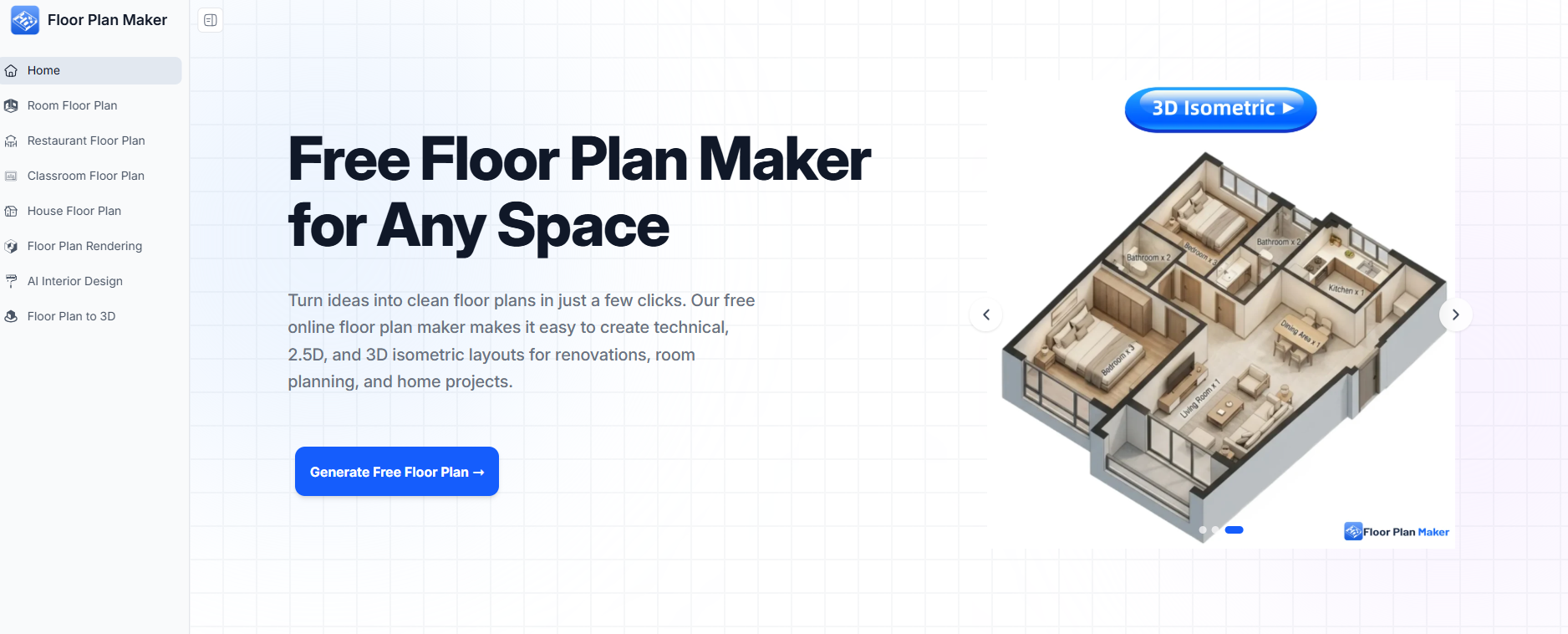
The Floor Plan Maker is a template-based AI tool for generating and editing classroom layouts.
Users can:
- Choose from predefined classroom templates (lecture, group work, lab, etc.)
- Automatically generate structured floor plans based on the selected template
- Adjust layouts using drag-and-drop editing
- Fine-tune spacing, seating, and object positioning visually
- Export final classroom floor plans for sharing or reuse
It combines structured templates with AI-assisted layout optimization.
Key use cases
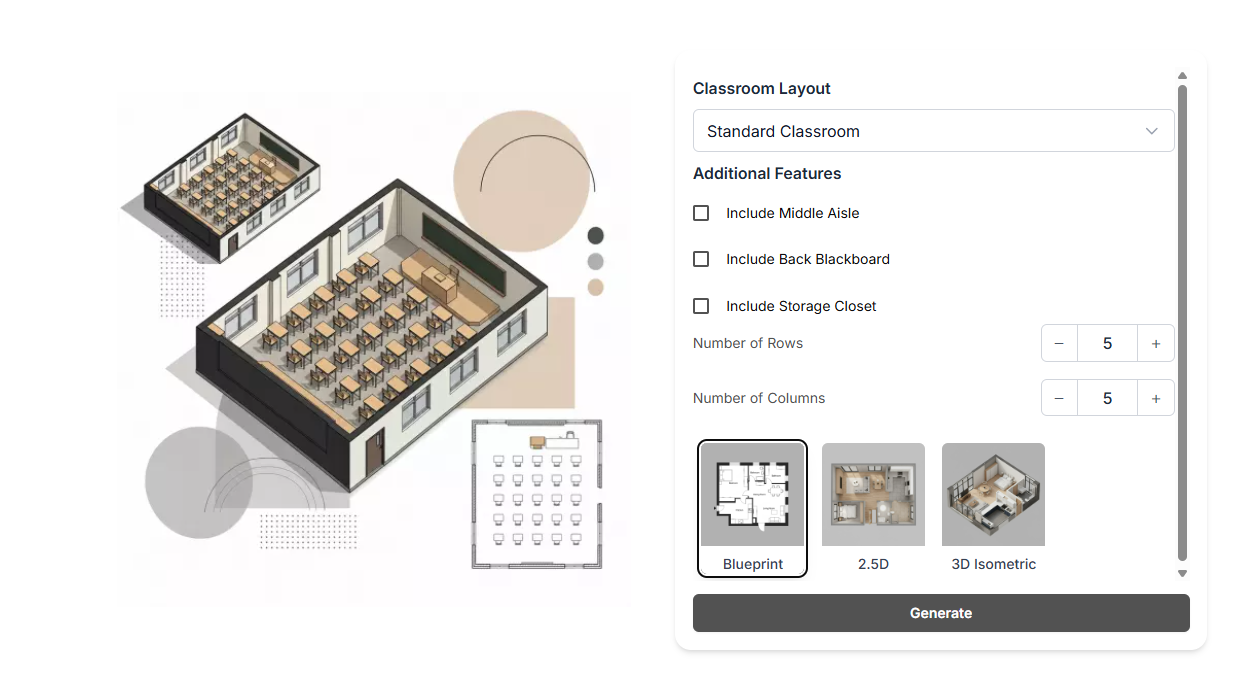
The Floor Plan Maker is useful for:
- Teachers arranging classroom seating layouts
- Schools designing standardized classroom formats
- Education planners testing different room configurations
- Designers creating consistent learning environments at scale
How it works
The system is built around a template-first workflow:
- Users select a classroom template as the starting point
- The system generates a structured floor plan based on that template
- AI helps optimize spacing and arrangement logic
- A drag-and-drop canvas allows visual refinement
- Final layouts can be exported or reused as new templates
This ensures both structure and flexibility in the design process.
Why we built this Floor Plan Maker
Traditional floor planning tools often require users to build everything from scratch, even when the classroom type is already known.
We wanted to simplify that process:
Start from a proven template, then let AI handle layout structuring and optimization.
This reduces design time while keeping layouts consistent and practical.
Core design philosophy
The Floor Plan Maker is based on three principles:
- Template-first design → start from structured classroom types
- AI-assisted optimization → improve layout automatically
- Manual refinement control → users can adjust everything visually
Try the Floor Plan Maker
We are continuously expanding template types and improving layout accuracy across different classroom scenarios.
We welcome feedback, real-world classroom needs, and edge cases.
Closing
This Floor Plan Maker explores a more practical approach to spatial design—combining structured templates + AI + manual editing to make classroom planning faster, more consistent, and easier to use.






Top comments (0)